Screens from a real phone.
The Builder
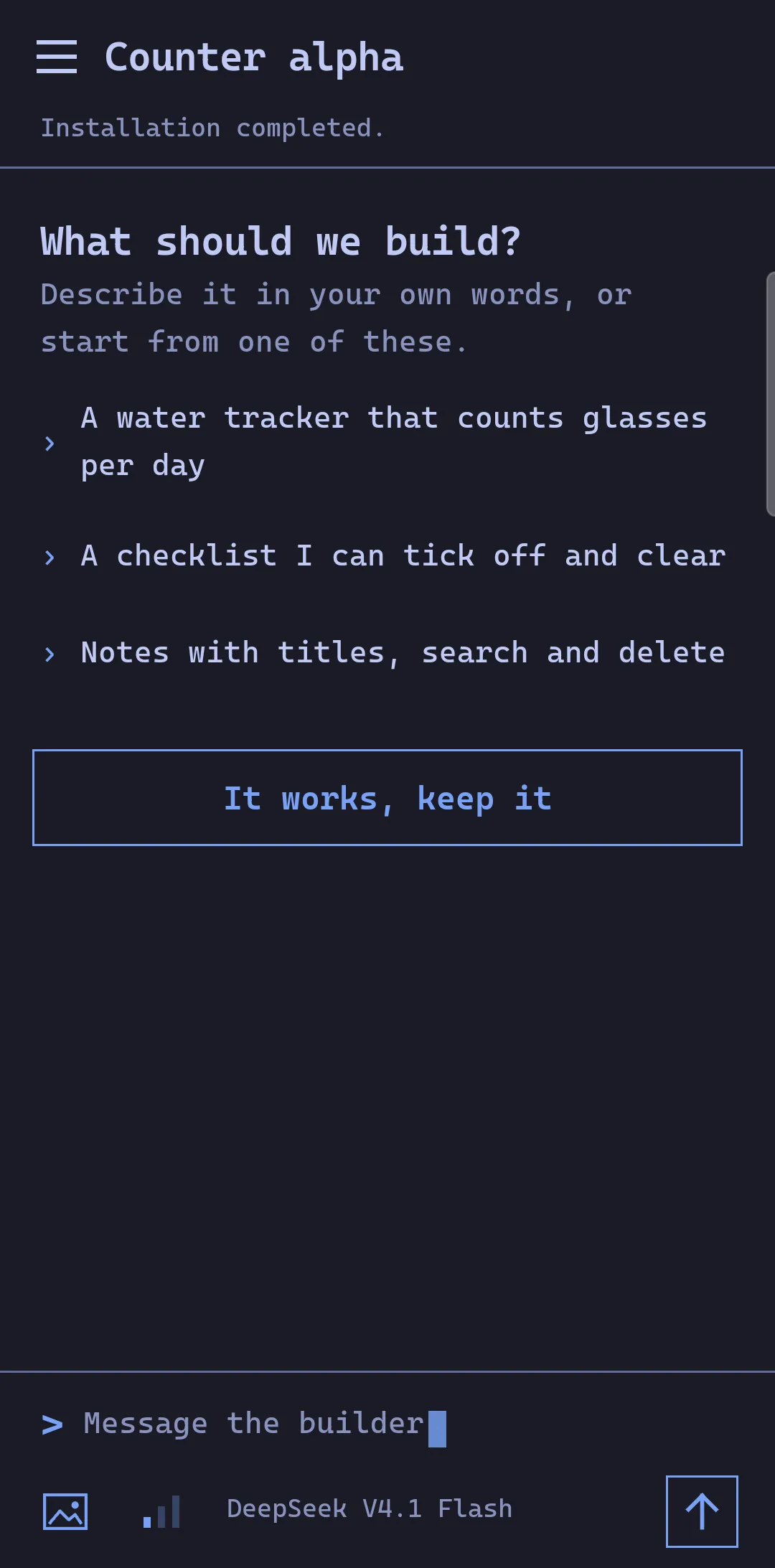
A new chat 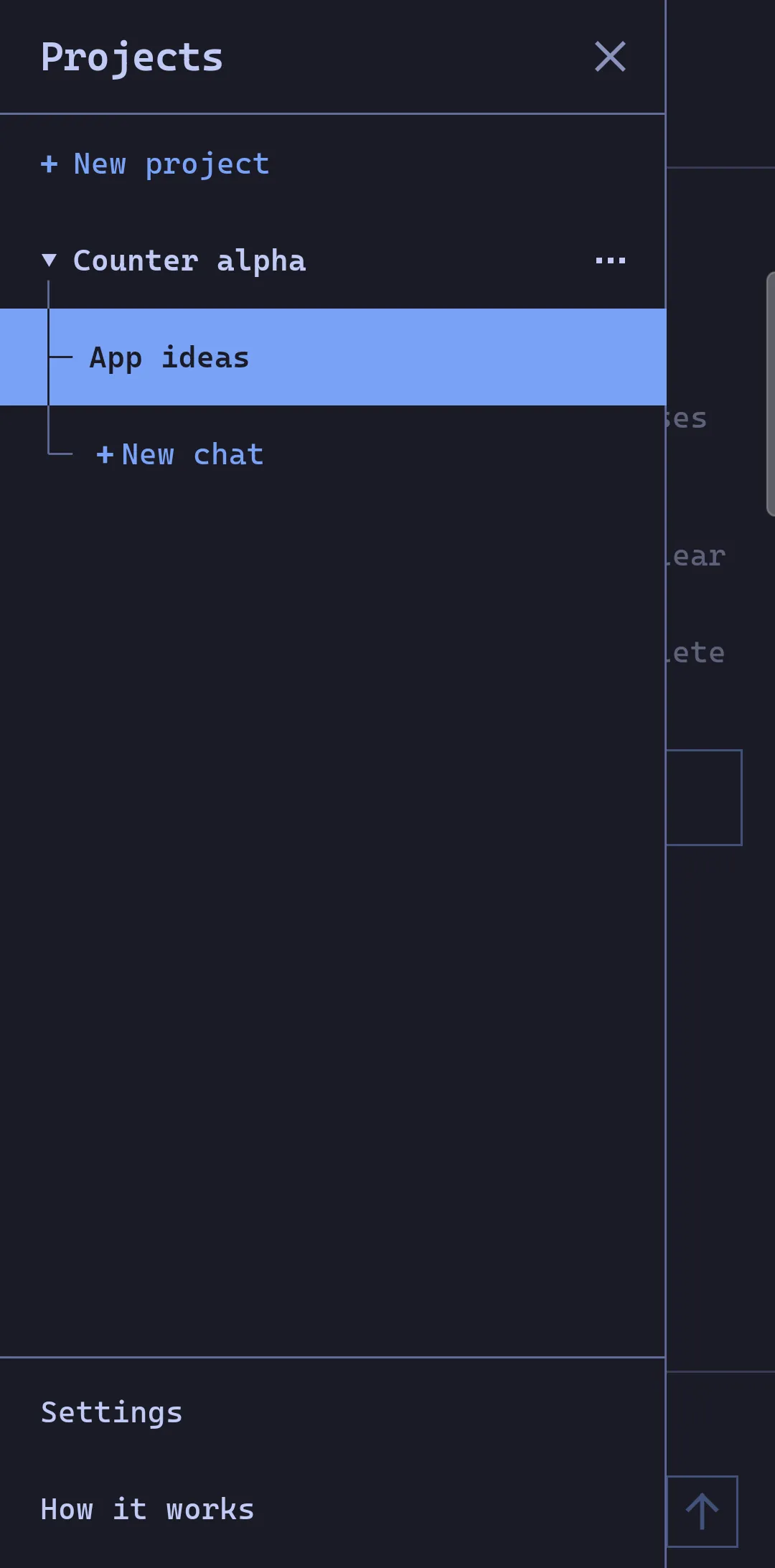
Projects and chats
Apps it built on the phone
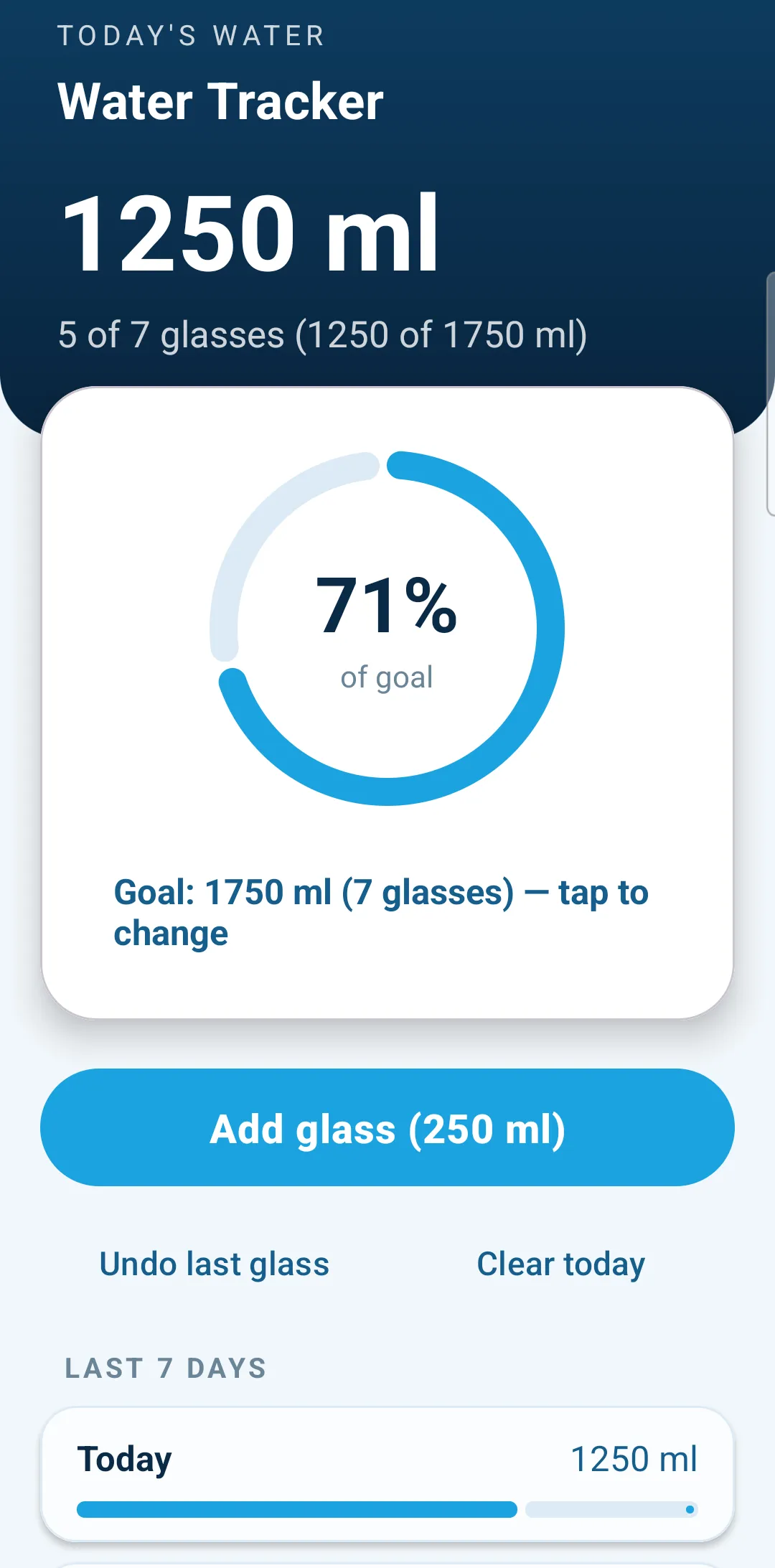
Water tracker 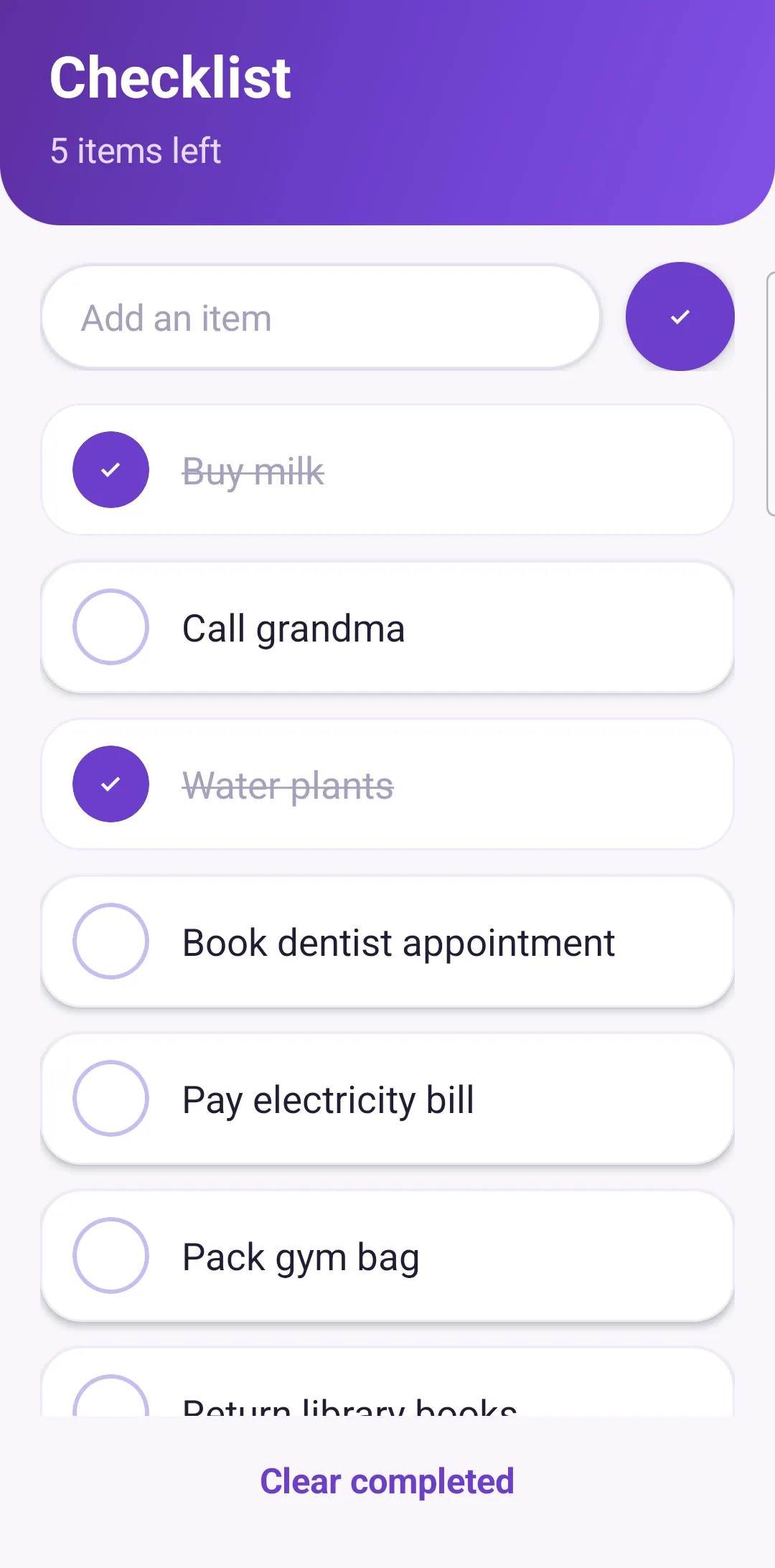
Checklist 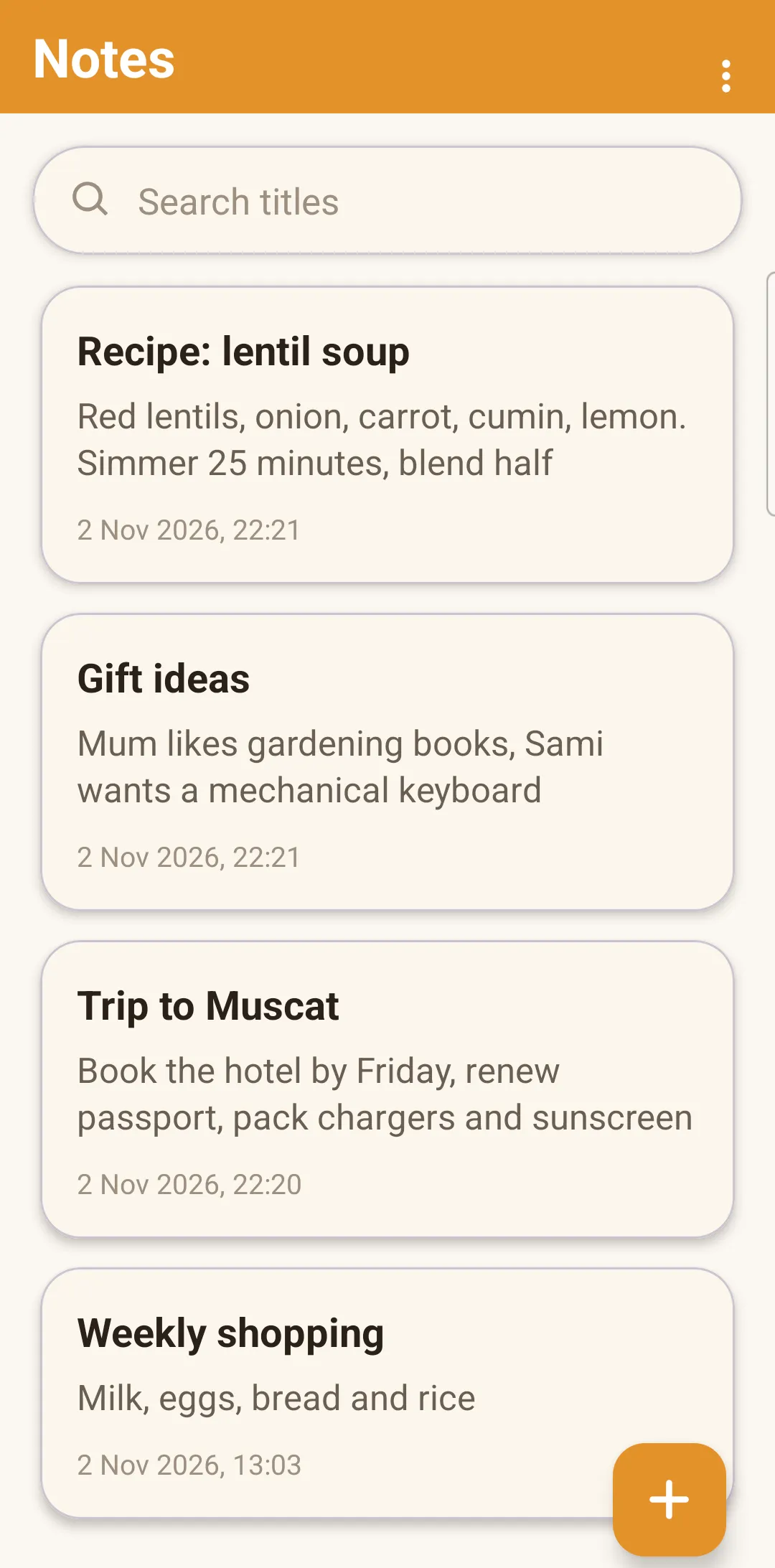
Notes
Only the model runs in the cloud.
Lives on your phone
- Source files
- The compiler
- Builds
- Signing keys
- The finished apps
Sent to the model service you pick
- Your messages
- The project's source files
- Pictures you attach
You pay that service for each request. The app sets no spending limit for you. Requests to OpenRouter name Smallwright as the app, for its public app rankings; nothing about you is added.
The Builder
Holds your projects, your model key and the chat. It asks before it starts a new app, then works until the model says it is done. Apps come out as ordinary native Android apps in Java and XML.
- Plan before it edits
- Edit in steps until done
- Run in the background
- Make icons and pictures (OpenRouter)
- Look things up (OpenRouter)
- Read crash reports
- Look at the running app
- Undo its last change
The Worker
Compiles each project with ECJ, D8 and AAPT2. It is a separate app with its own Android user and no Internet permission, and it accepts only a Builder signed with the same key.
Each project gets its own signing key. Installing goes through Android's own confirmation screen. Generated code never runs inside the Builder.
Requirements
Smallwright · Alpha| Android | 12 or newer |
|---|---|
| Phone | 64-bit ARM |
| Model | Sign in with OpenRouter, or a key for any OpenAI-compatible service |
| Cost | Paid by you, per request, with no spending limit set by the app |
| OpenRouter only | Web search, app icons and pictures, attached pictures, cost totals and the spending limit |
Install
- 1Download the Builder APK from the latest release and install it.
- 2On first start, the Builder shows Google's Android SDK terms. Once you accept them, it downloads Google's Android platform files to the phone.
- 3The Builder carries the Worker. Tap Install the build worker and confirm Android's prompt.
- 4For updates, add Smallwright to Obtainium.